
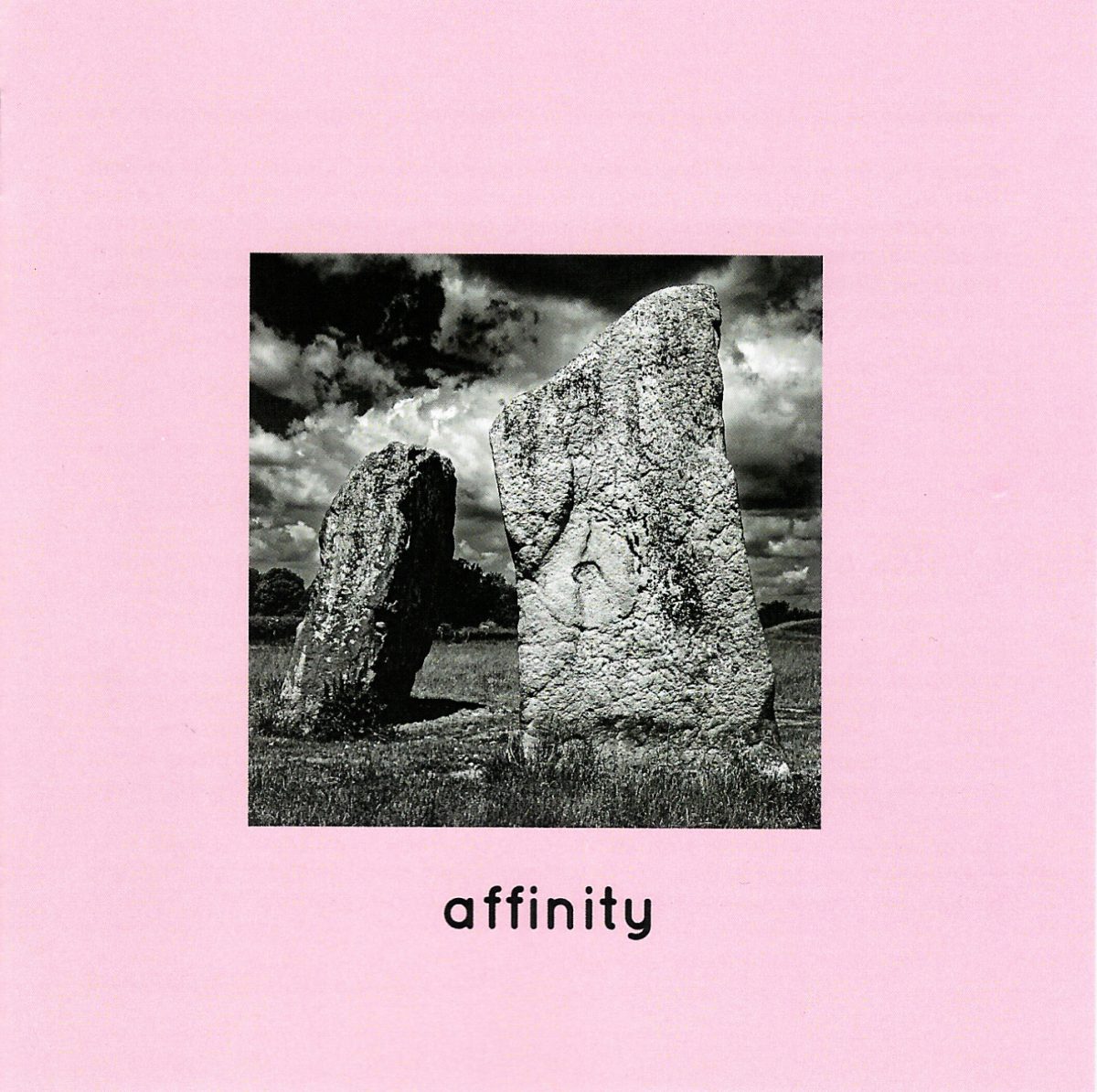
A few months ago I was contacted by Andrew Harstshorn, owner of Monochrome Motif Records. He wondered if I might have a photo suitable for use as a cover image for an upcoming album release.
The title, and concept of the album was ‘affinity’. It was to be a compilation album by artists who are ‘friends of the label’, and Andrew had requested the artists submit a track based around the theme of ‘affinity’.
I spent quite a bit of time thinking about the concept of affinity: ‘a natural liking for and understanding of someone or something’, and started to hunt through my photo archive. Might I already have something in my catalogue which would fit the bill? Would I need to take some new photos based on the concept?
What did ‘affinity’ mean to me? Andrew had set me the same task as he had set the musicians who would be contributing to the album. And my task had the additional requirement of needing to be in black and white (to fit the label’s brand identity: monochrome motif), and I was thinking it had better be something that worked as a square crop to fit nicely on a CD inlay. I was familiar with monochrome motif’s styling from previous album purchases: lowercase text, black and white cover art placed in the centre with a broad coloured border.
My instant response was to look for any photos I had of bees gathering nectar from flowers, ducks on water, frogs on lily pads… that kind of thing.
But at the same time, I knew those things were a little too obvious and clichéd.
I started finding various photos of megaliths at stone circles, and I was particularly looking for ones where the stones appeared to be reaching up to the sky, or had an interesting relationship with the sun or moon. I remembered the stones along the Kennet Avenue at Avebury, alternating between pillar and lozenge shapes and I thought that somewhere in my collection I had a photo illustrating this. I eventually found one, but I wasn’t really satisfied.
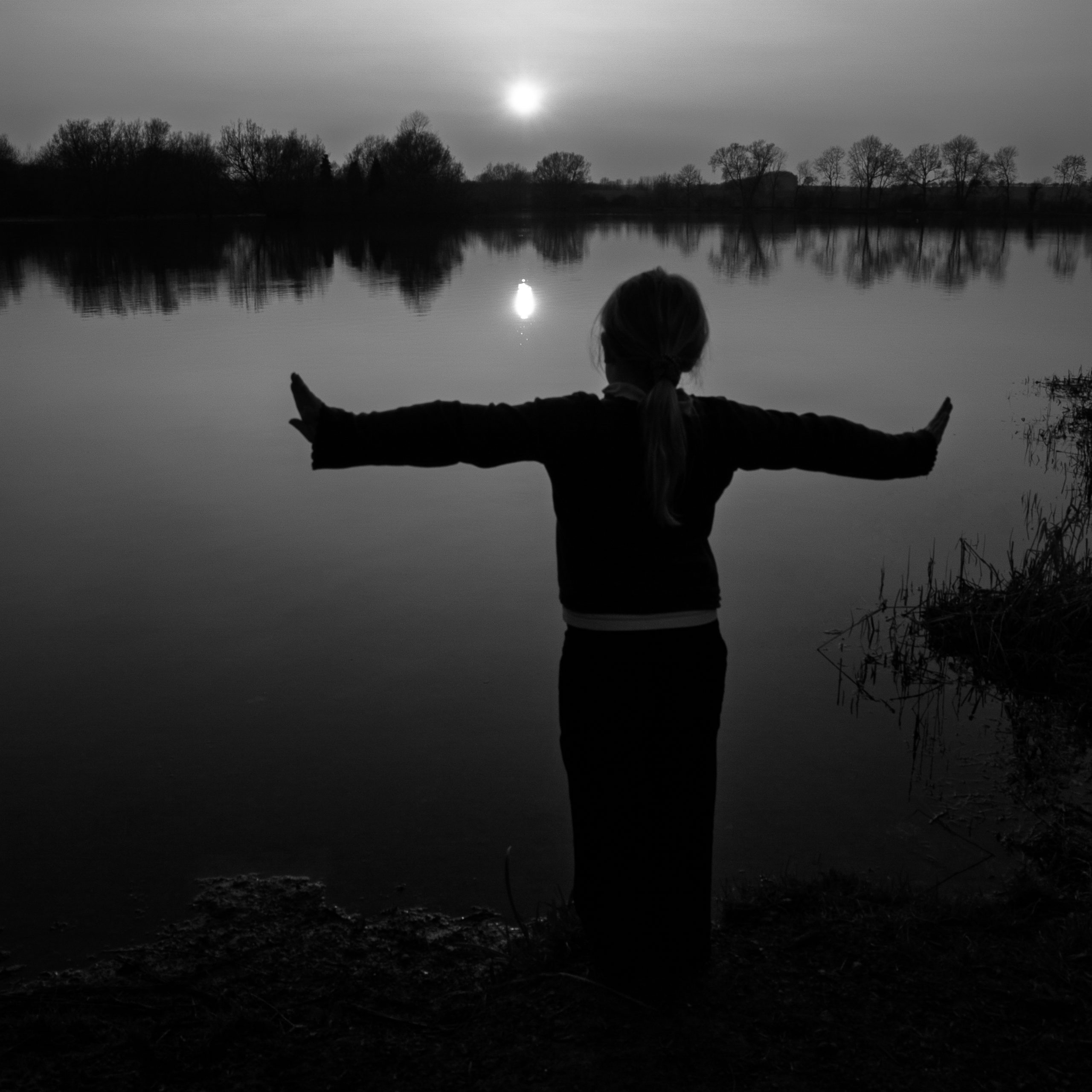
I found an old photo of my daughter, taken at sunset on the shore of a local reservoir, arms stretched out wide as she faced the sinking sun. It’s a nice enough photo; it kind of worked ‘ok’ in black and white and was showing a child’s affinity to the natural environment, so I added it to an increasing collection of possible photos to let Andrew take a look at.
Very early on in my search, I found a photo I took in June 2015 of the cove stones at Avebury. I considered it for the theme of ‘affinity’, as from the angle I shot this from, the pair of massive stones appear to be leaning in towards each other.
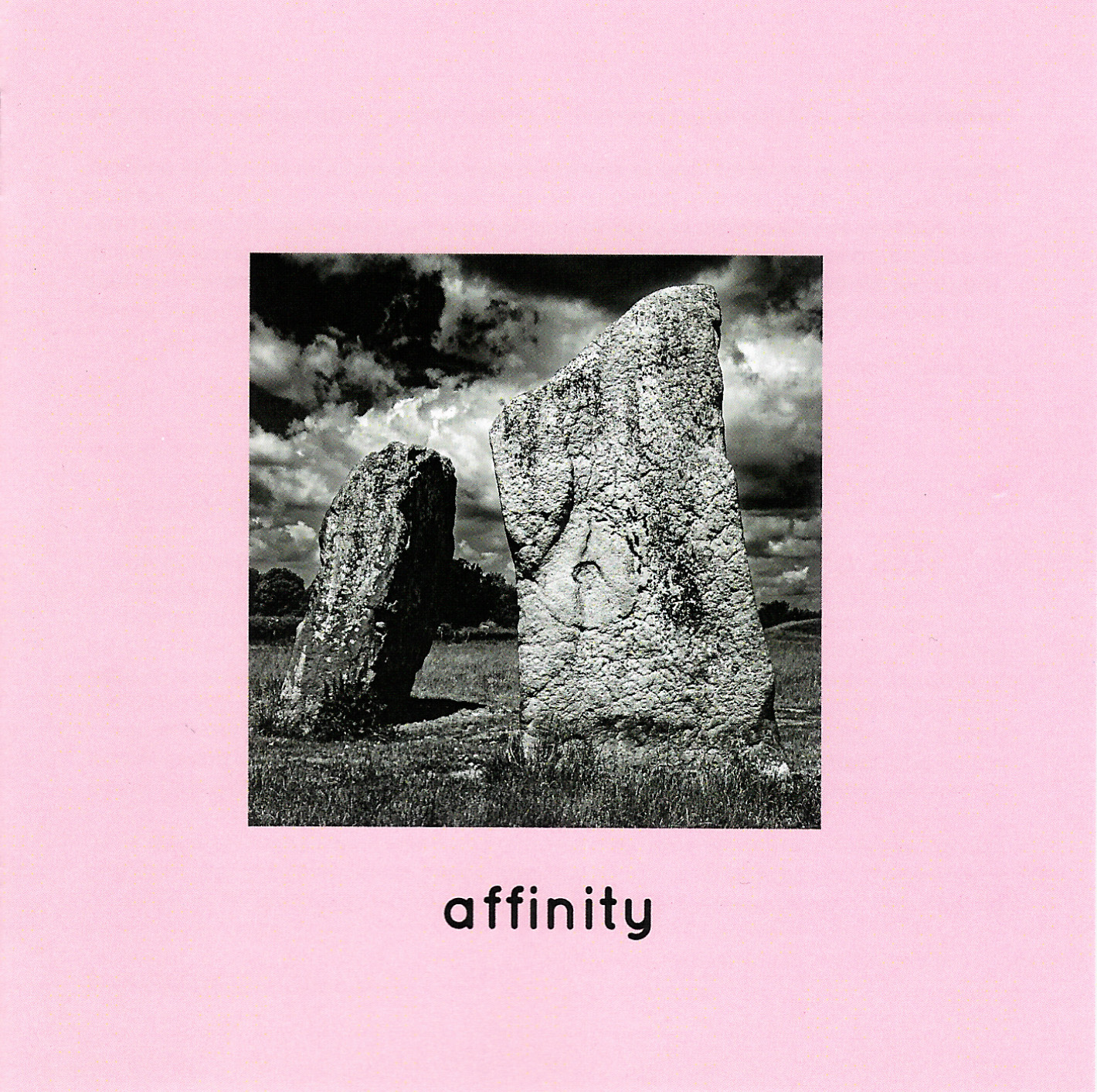
I produced a square crop and did some work on a dramatic high contrast black and white conversion. I quite like the result, and it became my favourite of eight potential photos which I shared with Andrew. A little while later I heard that he liked the photo and planned to use it for the album cover (as shown at the head of this post).
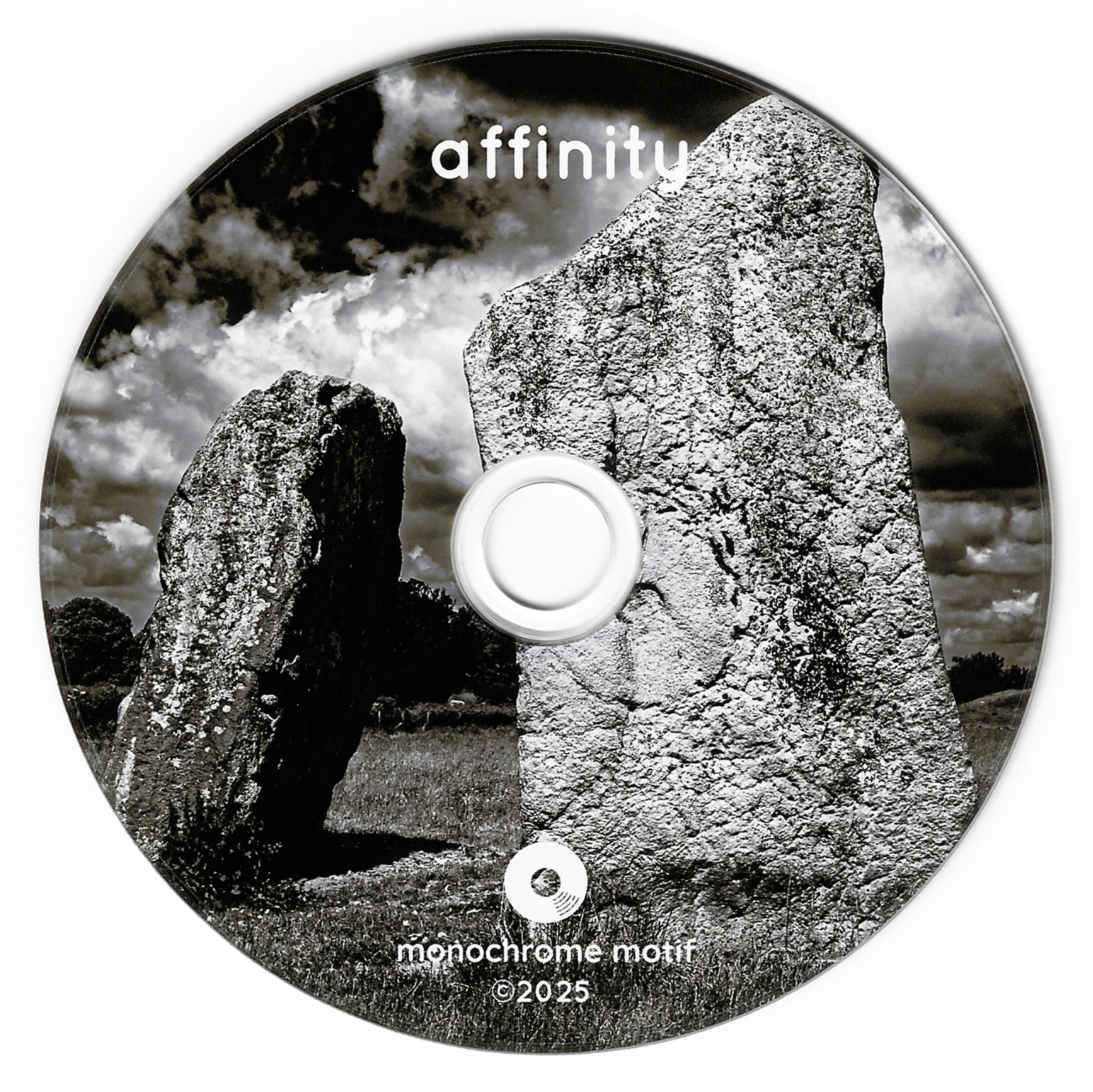
The photo was also printed as the disc label and I think it looks great there too.
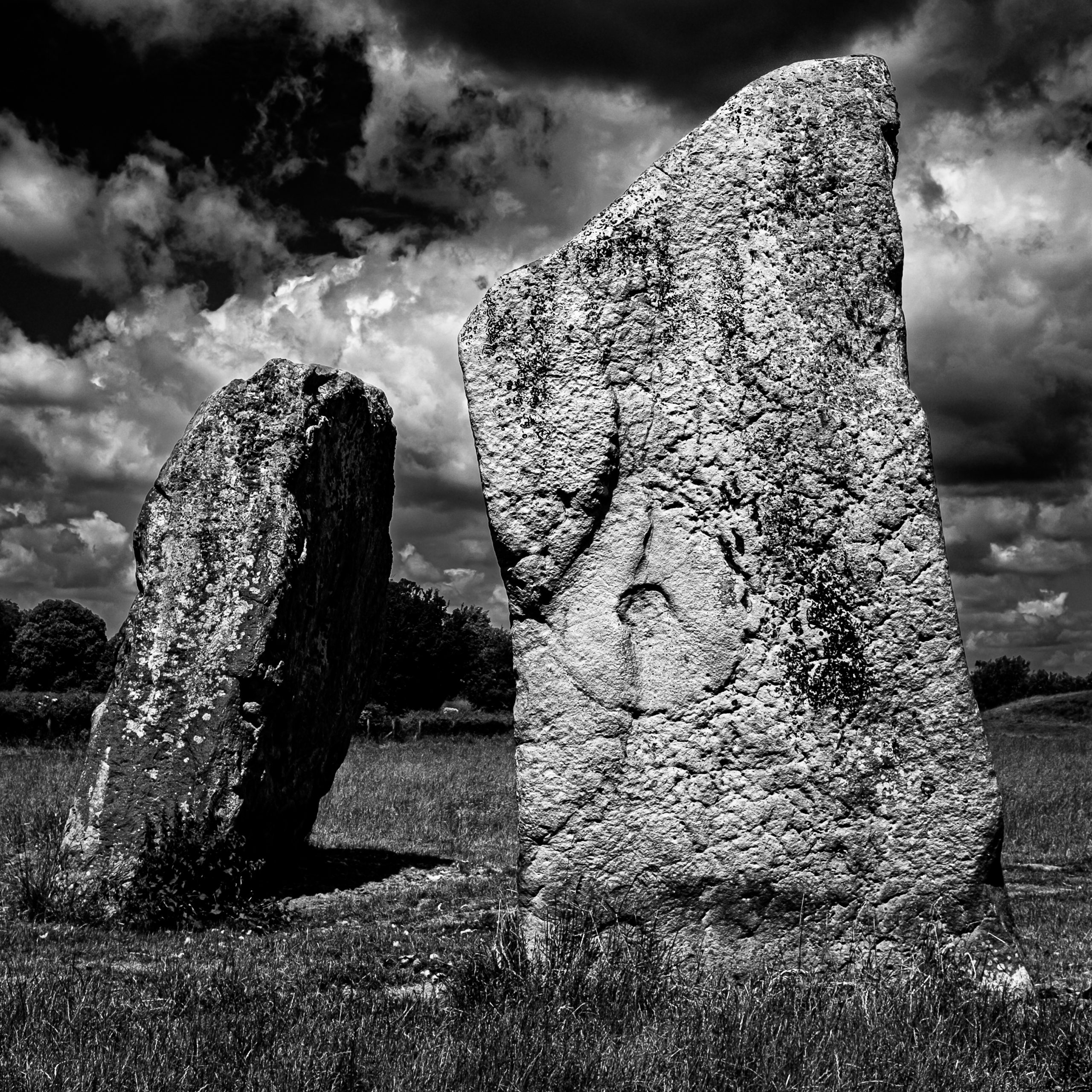
The image was captured using my little Fuji X100T during a family day out back in 2015. I found myself reflecting upon how fortunate I was to have decided this was worth a quick photo during our exploration of Avebury, ten years earlier. This wasn’t a dedicated photo trip, just a fun day out with my wife and daughter. I didn’t really have the time to wait around for the light to be just right. Fortunately, at the point we were exploring around the cove stones, there was bright sunshine and quite a dramatic sky (which I will confess to enhancing a little with contrast tweaks etc in Lightroom – there is no ‘sky replacement’ here, I really don’t like that kind of thing in my photography).
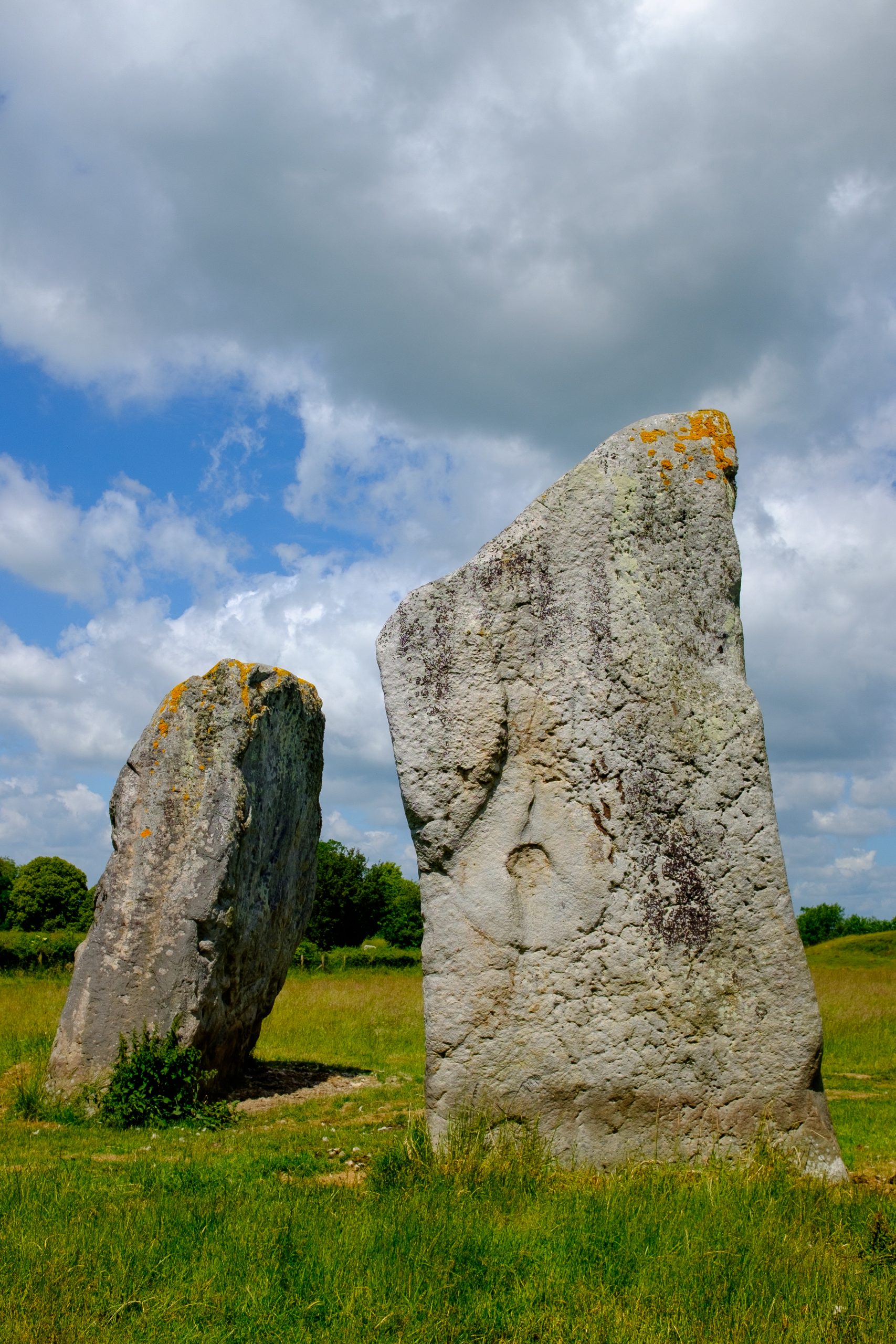
If I were shooting specifically for this use case, I would have tried to give a little more space around the stones by standing a bit further back (it’s a prime lens on the X100 series, so ‘zoom’ is with your feet). This would have allowed a slightly wider field of view for the square crop. However, I certainly wasn’t viewing this photo as an album cover when I shot it; it was simply a scene that grabbed my attention.
I’ve loved the X100 series of cameras since the release of the original, which I bought whilst it was the current model, thinking it would be nice to have something a bit smaller to carry around than my Canon DSLR, yet still offering a good lens, full manual control via analogue dials and buttons, a good viewfinder and a good sensor. I loved the original X100 so much that I also bought the X100T when it was released, and this was the camera I used to take the ‘affinity’ cover photo. I’d love to add a more up-to-date version of the camera to my collection, but they have become so popular that they can be hard to find at RRP (and already expensive enough at that).
It’s a little too chunky to just slip into a pocket and forget, but if I’m out for the day, I will have at least a small bag of some description with me, and it easily fits in there, or, for that matter, a larger coat pocket. I also have a wrist strap for it, so it’s usually just there at hand and ready to shoot.
“But it’s not full-frame!”… Don’t even get me started on that… I’ll just leave a link here to a video by Zack Arias in which I think he represents my own views on that ‘issue’ very well.
At the end of the day, I happened to have this fun little camera with me rather than a bulkier kit because I was enjoying a family day out and didn’t want to be encumbered. I didn’t have a tripod, a polarising filter, or anything like that. Just the camera.
And I took a photo with it, which, ten years later, was chosen as the cover image for an album.
As I said earlier, the album is a compilation of work from different artists. I was only familiar with three of them before first hearing the album: JJ Lovegrove, Annika Jayne and John Serrano, who features on Annika Jayne’s song, ‘Occi’s Walls’.
Andrew has done a magnificent job of curating this compilation; the running order works amazingly well. The first five tracks of the CD are instrumental, and the second five have vocals. On the vinyl edition, this equates to an instrumental side and a vocal side.
There are several songs here that have inspired me to further explore the featured artists who are new to me, so this compilation has succeeded in its primary goal of introducing listeners to a variety of new artists and musical styles. I found myself loving every track on the album. I think that’s quite remarkable for a compilation album featuring so many artists I hadn’t heard before. I enjoy variety in many aspects of life, so being presented with lots of different musical styles here is a big positive for me. The concept of ‘affinity’ binds all these different artists and styles together and gives them cohesion. I feel honoured that my photo sits on the front of it.
If you would like to explore or purchase the album, you can do so here. It was released on December 5th 2025, on CD, digital download and vinyl. It’s no coincidence that I published this article on the same date.
I want to make it clear that I will in no way gain from any purchases made, other than the satisfaction of knowing that people are listening to great music, supporting independent artists and a great record label. (And also, I suppose, the knowledge that you’re seeing my photo every time you play the album).
You can find out more about monochrome motif records here.